



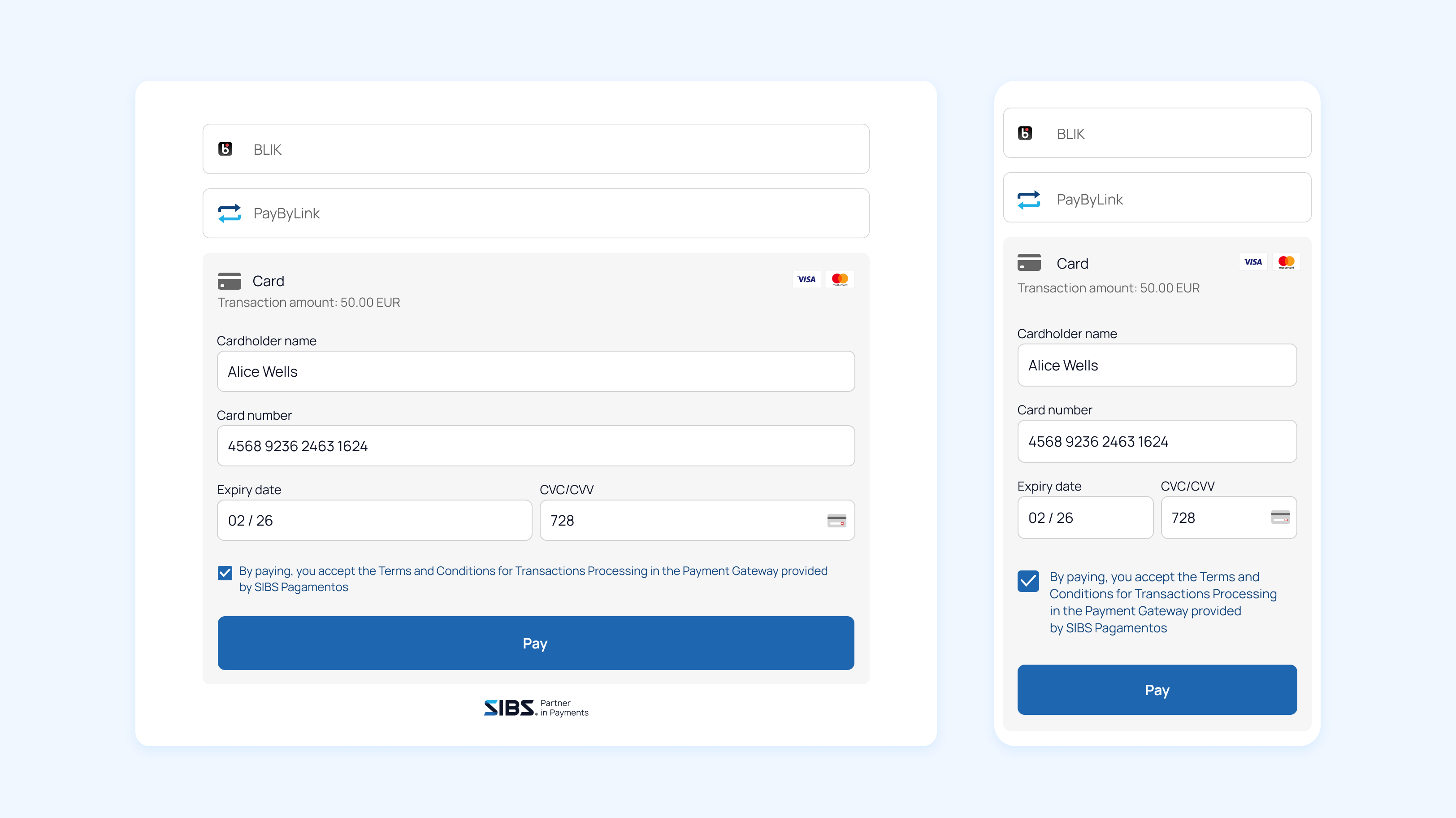
The SIBS Payment Form is a hosted checkout solution that enables merchants to securely accept payments via a fully managed interface.
It is embedded into the merchant’s website using an iframe, providing a seamless checkout experience on both desktop and mobile devices.
This model abstracts sensitive payment handling from the merchant, reducing PCI DSS scope and simplifying integration.

Who should use this integration
This integration model is intended for:
- Merchants looking for a quick and simplified integration.
- Merchants who do not want to handle sensitive payment data.
- Businesses without complex backend payment orchestration needs.
- Merchants who want to reduce PCI DSS scope and compliance effort.
Benefits
A Payment Form integration provides the following key advantages:

How it works
The Payment Form follows a secure workflow:
- Merchant embeds the Payment Form iframe into the checkout page
- Customer enters payment details directly within the form
- SIBS processes payment securely
- Payment result is returned to the merchant system
Technical Notes:
- All communication with SIBS servers is encrypted.
- The merchant never handles raw card data, reducing PCI scope.
How to do it
Integrating the Payment Form into your website is a straightforward process that requires minimal backend interaction.
The typical integration flow starts with the creation of a payment session on the merchant side. This session is then used to initialise the Payment Form, which is embedded into the checkout page using the provided configuration.
From there, the customer completes the payment directly within the form. Once the transaction is processed, the payment result is returned, allowing the merchant to update the order status and present the appropriate outcome to the user.
Before you start
Before starting your integration, make sure that the onboarding process has been completed and that you have received the necessary credentials from your Account Manager.
If you have not yet completed onboarding, please refer to the onboarding guide to understand how to generate and obtain your credentials.
To proceed with the integration, you will need the following:
- Terminal Code
- Bearer Token
- Client ID
These credentials are required to authenticate and configure your Payment Form integration.
