

Overview
The vTerminal is a functionality available within the SIBS Backoffice that allows Merchants and operational users to perform payment-related operations manually.
It provides a set of forms through which transactions can be manually created and processed through the Backoffice interface.
Each operation performed through the vTerminal results in the creation and processing of a transaction within the SIBS Payment Gateway environment.
Purpose
The vTerminal is intended to support operational scenarios requiring direct transaction initiation through the Backoffice interface.
It enables Merchants and operational users to perform payment-related operations manually within the SPG environment, supporting operational workflows, assisted transactions, and administrative payment procedures.
Access and Availability
The vTerminal is accessible through the SIBS Backoffice, and its availability depends on the services configured for the Merchant account and the permissions associated with the user profile.
Only users with the appropriate permissions can access and use the vTerminal functionalities.
Operation Model
The vTerminal operates through the completion of forms corresponding to specific payment operations.
Each form represents a single transaction and requires the input of the necessary data for the execution of that operation.
The submission of a form results in the creation of a transaction in the SIBS Payment Gateway, which is processed according to the characteristics of the selected payment method.
Supported Operations
The vTerminal allows the execution of payment-related operations according to the payment methods and services configured for the Merchant account.
These operations may include:
- MB WAY payments
- Multibanco Reference generation
- Additional operational procedures available according to the services configured for the Merchant account
Each operation is performed through its corresponding form within the vTerminal.
The following subchapters provide detailed guidance regarding vTerminal navigation, operational forms, field descriptions, and operation-specific procedures for the supported payment methods.
Execution Flow
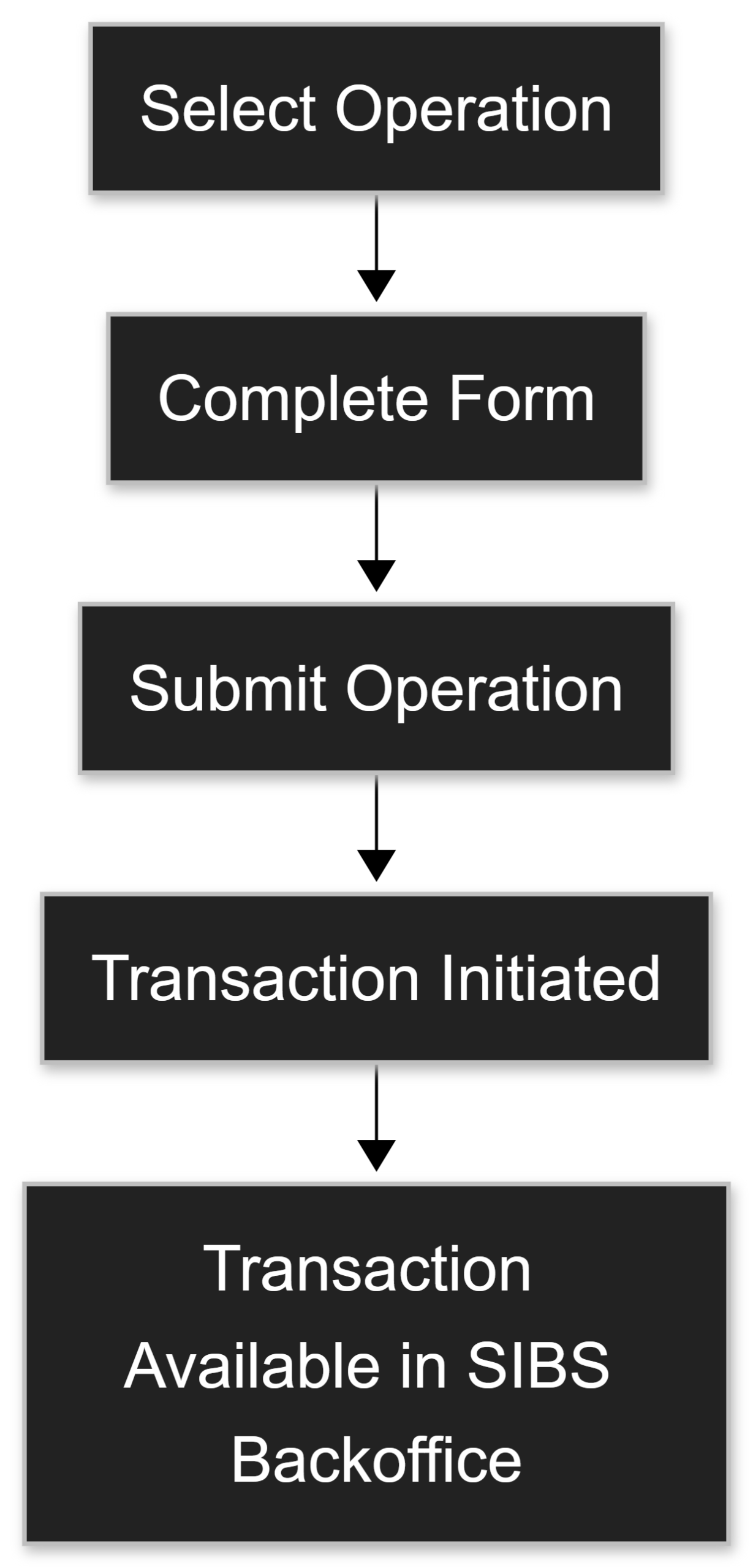
The execution of an operation in the vTerminal follows a structured process:
- Selection of the desired operation
- Completion of the required form fields
- Submission of the form
- Creation and processing of the transaction
The outcome of the operation depends on the payment method and the data provided.
Relationship with Backoffice
The vTerminal is part of the Backoffice environment and operates within its context.
General operational concepts regarding the Backoffice environment, transaction consultation, and operational management are presented in the Backoffice chapter of this documentation.
Transactions created through the vTerminal are available in the Backoffice and can be consulted and managed in the same way as transactions created through other channels.
Operational status visibility, transaction consultation, and lifecycle monitoring for vTerminal transactions follow the same operational principles applied to transactions initiated through other SPG integration channels.
For additional information regarding transaction states, status semantics, and asynchronous transaction processing, refer to the chapters related to transaction states and transaction status management within the SPG documentation.
Summary
The vTerminal provides an operational interface for the manual execution of payment operations within the SIBS Backoffice.
It allows Merchants to create transactions directly through form-based interactions, with each submitted operation resulting in processing within the SIBS Payment Gateway environment.
Access and usage of the vTerminal are controlled through user permissions and the configuration of the Merchant account.